


Learn Expert Excel Skills
~ From the Top Excel Experts ~
Work with our Team of Excel 365 Experts at Excel and Access, LLC, and our International Team of Associates
~ USA UK CAN AU ~
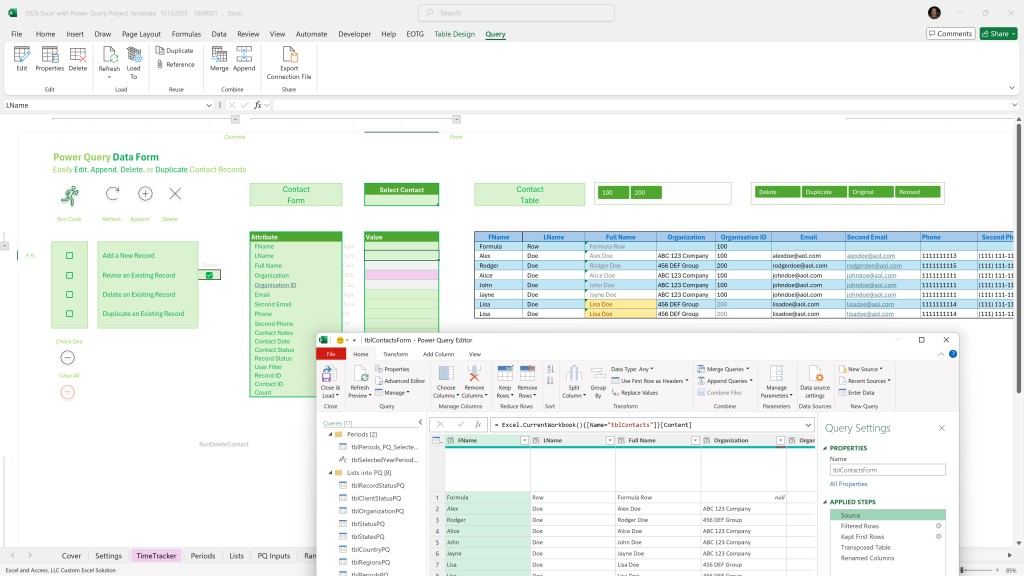
Programming Excel 365 w/ Power Query is not that hard, if you focus on mastering the 5-basics. FOCUS.
Surprisingly, there is not that much to learn, if you focus on learning the basics in Excel 365 development. The trick is in knowing what to learn, where to focus.
In Excel 365 Development, the basics are what you use to build an advanced solution.
What does the client actually need? That is what we teach ( mentor )
What Excel skills are actually in demand today, what do the clients actually need, what works best in Excel for business today.
~ Do not expect the client to know; don’t expect most programmers to know ~
There are over 500 Excel functions. You might need to know 20. Which 20, and why?
- Is the client working in Teams or SharePoint? Do they use Power Query? Do they import electronic data?
- There is much to consider, much to know. Learning best practices takes time, allow us to help you get there quickly and efficiently.
- Work one-on-one with a leading Excel 365 programming expert.
- One-on-one Mentoring in Excel 365 at Excel and Access, LLC.
- Work one-on-one with a leading Excel 365 programming expert.
- There is much to consider, much to know. Learning best practices takes time, allow us to help you get there quickly and efficiently.
~ These are the tools, this is how you use them, this is why you use them, this is why you use them this way ~
This is not training; this is live one-on-one mentoring, with an expert
Learn exactly what to Learn in Excel 365
How do you learn what works best in Excel for business, simple, you build custom solutions in Excel for those businesses, daily, for decades.
That is how you learn what works best. But that takes decades to learn. What if you do not have the time? Simple, work with a top expert in the field, one who put in the time, one who knows best-practices.
To be an Excel expert, you must earn your chops, and that takes decades of programming, reading will not do it, watching videos will not do it; best-practices are learned.
Being an Excel expert is earned, not learned.
Shortcut: Work one-on-one with the Excel experts; personally pick their brains until you are satisfied. There is no faster way to learn advanced Excel programming.
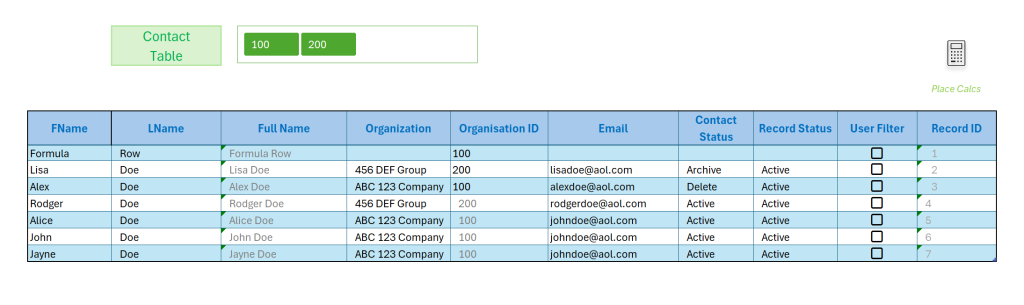
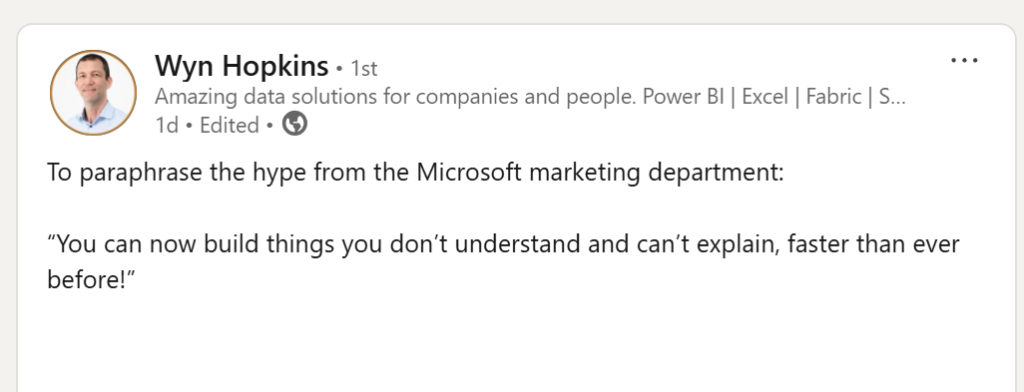
“You can now build things you don’t understand and can’t explain, faster than ever before!”
Focus on the basics in Excel development; be the expert; know what you are doing.
Our Excel 365 Experts can take you to the Expert Level, in the following:
You will know what you are doing and more importantly, you will know why you are doing it.
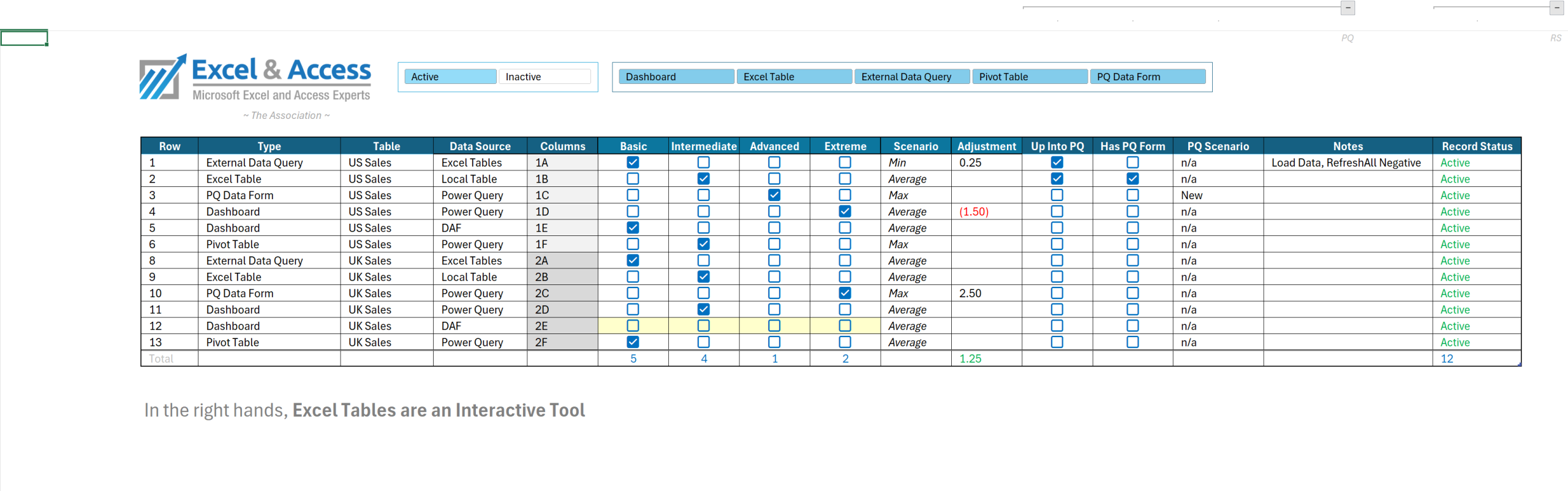
- Excel Tables
- Excel Power Query
- Excel Pivot Tables
- Excel Dynamic Array Functions
- Excel Legacy Functions
- Excel Code:
- VBA, M-Code, Office Scripts
- Programming for a concurrent environment
- SharePoint, Teams, OneDrive
- Custom Excel Development, from Scratch
- 5-Steps of Development
- Old-School Excel Skills
- Ultra Valuable
- Different needs, different team member ( expert ). Only work with experts in your area of interest, say Power Query, or LAMBDA. These are not trainers, these are programmers and developers, there is a huge difference.
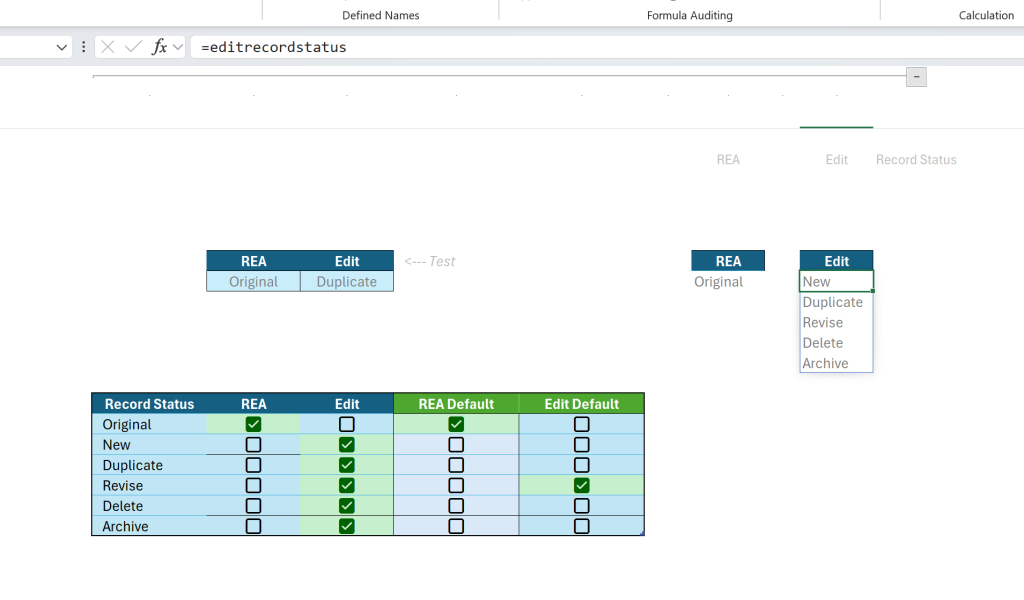
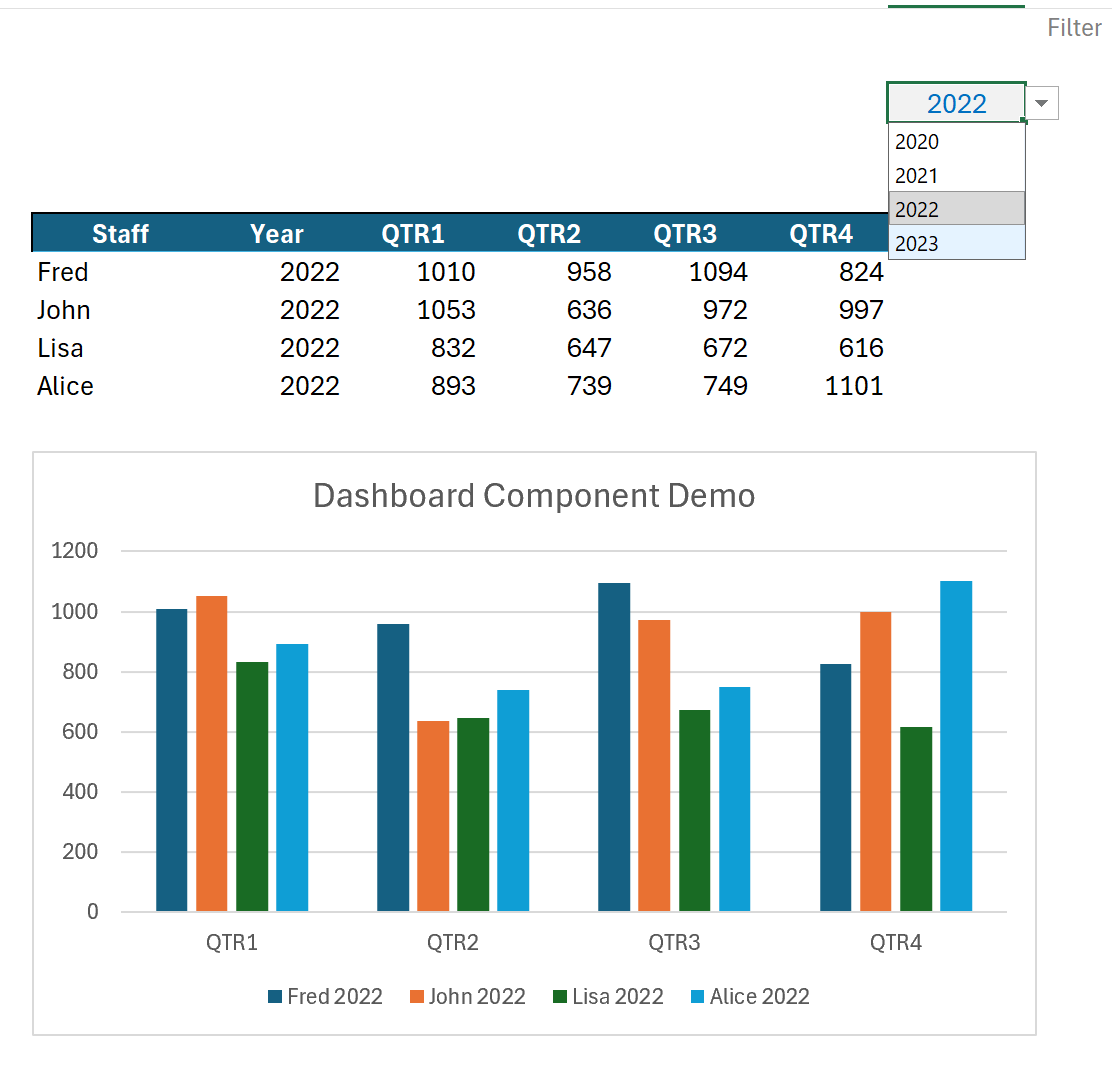
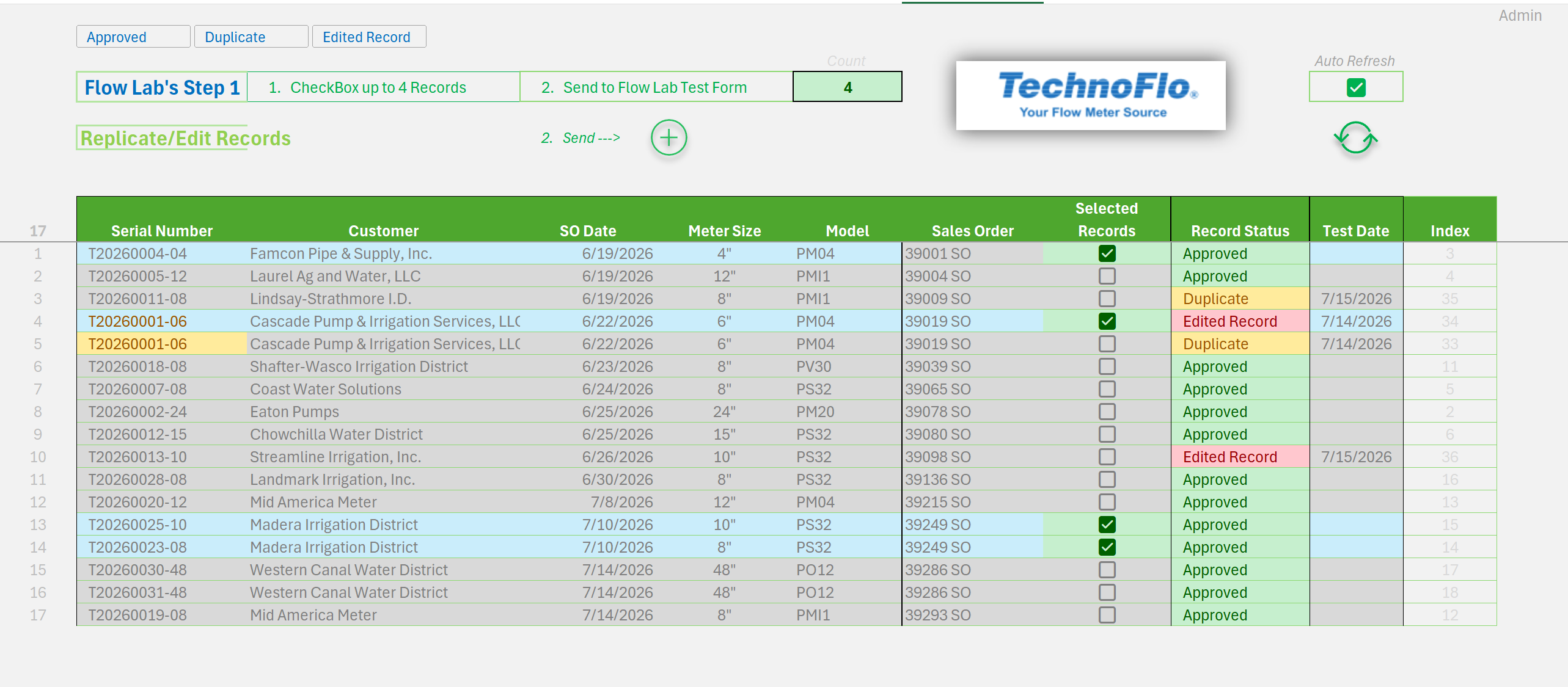
Data Validation Lists, with Defaults into Power Query.
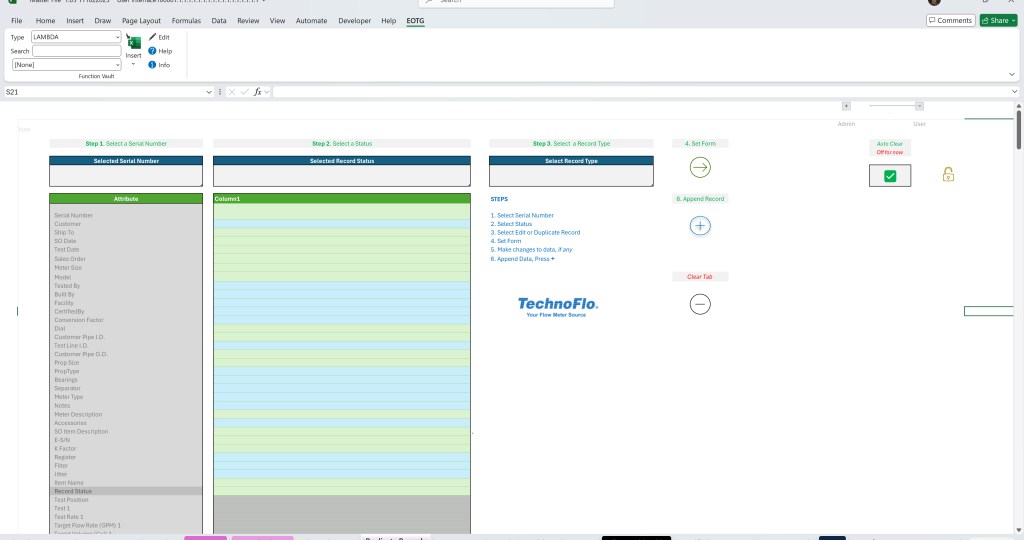
What our Excel Experts will do:
We will take whatever time is needed, to make sure you master the basics, and we will take you step-by-step to the expert level. You will be an active participant, and you will need to put in the time, to master what we are teaching you. We show you, we explain it, we answer your questions, we watch you do it, then it is up to you to master it.
- This is not Excel training, this is intense one-on-one mentoring, teaching you just what you need to know, based on what you currently know.
What you will do:
You will learn, but first you will put in the work. No free ride here. If you want to be an expert, you have to put in the time; you must practice practice practice. Best way, build demo models on what you are trying to master.
~ Excel and Access, LLC & Associates ~
 877.392.3539
We have the team of experts to take you to the highest of levels in Excel 365
Many of our Associates are Microsoft Excel MVP’s, the Microsoft Excel Subject Matter Experts. You can work one-on-one with some of the best minds in Excel.
Many of our experts are not MVP’s, but equally, if not more talented, just not certified by Microsoft.
Not training, rather one-on-one mentoring – ultra intensive
Line in the Sand ( Sorry ): There is a big difference between knowing how something works in theory, and knowing what works best in the current situation, more importantly, how to make it work in a business.
Knowing the fourth attribute of a VLOOKUP is nothing like knowing how to build a custom Excel solution from scratch; Excel development is hard as you must account for what the users will do.
Users, if left on their own, will break things. Hence best practices.
There are over 500 Excel functions. 20, will do it.
You do not know what you do not know
But what you know may now be irrelevant
Excel 365 w/ PQ and DAFs
Learn Expert Excel Skills
Call for a free Consultation Today
877-392-3539
No matter what a spreadsheet is intended to do, it must answer three questions:
~ Associate – Excel MVP, USA ~

What data is required?
From where does that data come?
What needs to be done with that data?
Whether you’re looking to automate a business process, create a KPI dashboard, or build a job quote, your spreadsheet will answer those three questions.
With me, you don’t just get a spreadsheet; you get a solution.
I am a self-taught Microsoft Excel Expert with nearly three decades of experience. I was first introduced to Excel in 1997 and, despite having no prior spreadsheet experience, became the go-to Excel guy within six months. Why? Because I realized those three questions were the key. I learned whatever I needed to answer those questions, whether that was new formulas, VBA, or custom functions.
Over the next two decades, I built every mission critical spreadsheet at my firm. In doing so, I became an automation wizard and honed my gift for good spreadsheet design. Instead of designing spreadsheets cell-by-cell, I built frameworks and structures that revolved around those three fundamental questions. Generating twenty reports was the same as generating one. Printing 200 graphs was the same as printing 10 (yes, we really did print 200 graphs a day).
Microsoft finally caught up with my design philosophy. Over the past five years, powerful new tools – like Power Query and spillable dynamic array functions – have been added to Excel. These tools make it easier to build frameworks and manipulate blocks of data. I stand at the forefront of this “New Excel,” continually pushing the boundaries of what can be done. Because of my efforts,
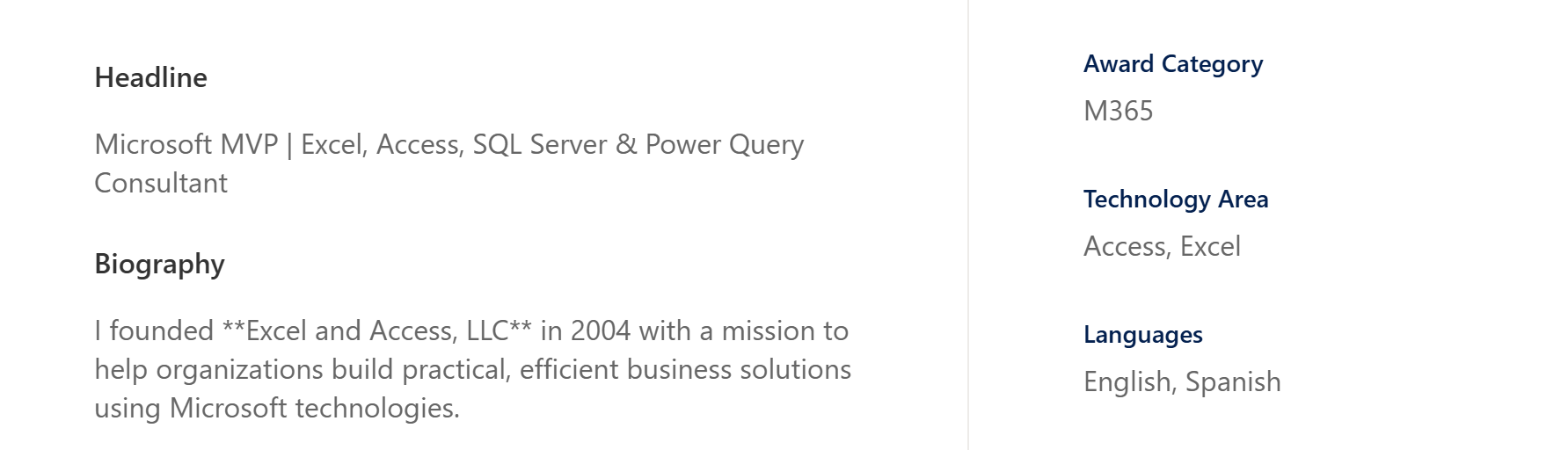
I was named an Excel MVP by Microsoft in 2024.
But what does that mean for you?
It means that, with me, you get an Excel advocate who will examine your existing spreadsheets, earnestly learn what you need them to do, and determine the best tools to accomplish your goals. I’ll bake your company’s unique DNA into your spreadsheets. I will transform Excel from an application installed on your PCs into a custom software system tailored to you.
Here are just a few ways I can supercharge your business:
I will reduce the time spent on mundane tasks by up to 80% by automating your workflow with macros and Power Query.
I will empower you to monitor your company’s health and growth at a glance with interactive dashboards and KPI trackers, all built with Excel’s newest dynamic array functions.
I will enable you to capture more customers with a pricing calculator tailored to your business, complete with ready-to-print professional quotes and invoices.
I will help you manage your workforce and inventory by partnering with you to build a custom suite of tools to run your operations.
All these tools are designed to be easy-to-use and difficult-to-break. They are accessible to users of all skill levels. Best of all, they are designed to grow alongside your business and your needs. With me, you don’t just get a spreadsheet; you get a solution.








Leave a Reply