

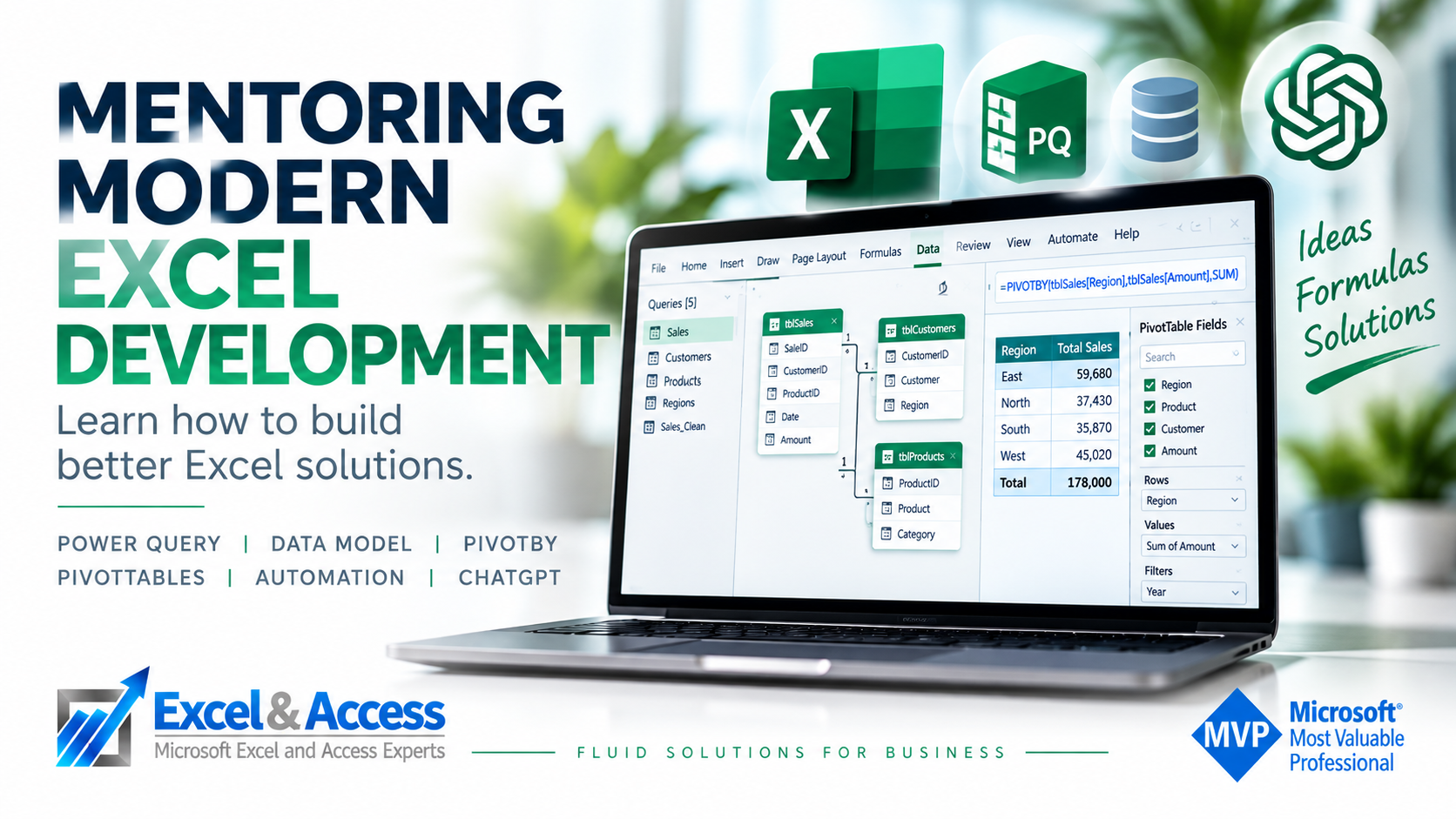
Mentoring Modern Excel Development with Power Query
Learn how to build better Excel solutions.
Excel mentoring is for people who already work in Excel and want to improve how they design and build solutions.
This is not canned training. We work one-on-one, starting with what you already know, what you need to accomplish, and the technologies that make sense for the work you actually do.
We explain the concepts, demonstrate how they work in real business solutions, answer your questions and help you determine how to apply them. Then you do the work.
The goal isn’t to learn more Excel. It’s to become better at designing Excel solutions.

This Is Not Excel Training
Training and mentoring serve different purposes.
Traditional training usually starts with an agenda: these are the features, functions or tools that will be covered.
Mentoring starts somewhere else:
What are you trying to build?
We look at what you already know, what you are trying to accomplish and where the gaps are. Then we concentrate on the concepts and technologies that will actually help you.
We explain why we would approach a problem a certain way, demonstrate the technique, answer questions and let you work through it yourself.
You are expected to do the heavy lifting between sessions. Build something. Test it. Break it. Fix it. Come back with questions.
Why. How. Now go build it.
That is where the real learning happens.
Learn to Think About Excel Differently
Modern Excel development is about more than knowing functions.
When we design an Excel solution, we don’t automatically start with cells and formulas. We think about Tables, objects, queries, relationships, arrays, processes and outputs.
Where should the data live? How should it get there? What transformations should happen before the data reaches the worksheet? What should the user see? What can happen offsheet? What should be automated?
Those decisions are often more important than the individual formula you eventually write.
This is the thinking behind Excel Beyond the CELL and FLUID Excel Solutions.
Beyond the CELL is about how we design the solution.
FLUID is about how data moves through it.
The right data. In the right place. Using the right tool.
What We Mentor
There is no fixed curriculum. What we cover depends on what you already know and what you need to build.
Topics can include:
- Excel Tables and structured data
- Power Query
- M-Code
- Excel Data Model and relationships
- PivotTables and Slicers
- Dynamic Arrays and Spill Ranges
- FILTER, LET, LAMBDA, GROUPBY and PIVOTBY
- VBA
- Office Scripts
- Power Automate
- SharePoint and external data
- Onsheet vs. Offsheet development
- Automation and refreshable solutions
- Relational and database concepts in Excel
- AI-assisted Excel development
- Overall solution architecture
You don’t need to learn all of these technologies.
You need to understand which ones matter for the solutions you build.
Choosing the Right Tool Is Part of the Skill
There are usually several ways to accomplish the same thing in Excel.
The harder question is deciding which approach makes sense for the solution you are building.
- Power Query or an onsheet formula?
- FILTER or a traditional lookup?
- Worksheet or Data Model?
- Table or Spill Range?
- VBA or Office Scripts?
- Onsheet or offsheet?
- Manual, automated or hybrid?
Knowing how to use a tool is useful. Knowing when and why to use it is a development skill.
That is a major part of mentoring.
How One-on-One Excel Mentoring Works
Mentoring is remote and one-on-one.
We start by talking about what you currently do in Excel, what you already know and what you want to be able to build.
From there, the sessions develop around you.
- Start with the requirement. What are you trying to accomplish?
- Look at the architecture. How should the solution be designed?
- Choose the tools. Which Excel and Microsoft 365 technologies fit the requirement?
- Demonstrate the concepts. We show you how and explain why.
- You build. The real learning happens when you apply it yourself.
- Review and refine. Bring the work and the questions back to the next session.
Some people need help with one specific concept. Others work with us over several sessions while they redesign the way they develop Excel solutions.
There is no requirement to follow a predetermined course.
Who Is Excel Development Mentoring For?
Most mentoring clients already use Excel regularly. Some are analysts. Some are consultants. Some are business users who have gradually become the person everyone turns to when something needs to be built in Excel.
Mentoring is particularly useful for:
- Intermediate Excel developers who want to move into advanced development
- Advanced developers who want to modernize the way they build
- Analysts building repeatable business processes
- Excel consultants expanding their development skills
- Business users building solutions for their own organizations
- Developers moving from traditional Excel into Excel 365, Power Query and the Data Model
You do not need to know everything before you start. That’s the point.
For people who are newer to Excel and need a more structured introduction, we also provide one-on-one Excel training.
Real Excel Mentoring
We mentor using the same concepts we use when developing real business solutions. The work is practical because the questions are practical.
Advanced Financial Model
An experienced Excel developer came to us with a sophisticated investment model he had built himself. He already knew Excel well. He didn’t need a beginner or intermediate course.
He needed help with specific areas of advanced Excel development, including automation and Dynamic Arrays.
A few focused one-on-one sessions allowed the mentoring to concentrate entirely on those gaps rather than spending time teaching things he already knew.

Client feedback from one of our Excel mentoring engagements.
Construction Estimating Solution
A construction company wanted to replace an existing estimating process with a solution their own people could build and maintain.
The estimators already had solid Excel skills. What they needed was help understanding how to approach the new solution using current Excel development methods.
We worked with them on Excel Tables, Power Query, Dynamic Arrays, automation and the architecture behind the solution.
Instead of building it for them, we helped them develop the skills and understanding to build it themselves.

Client feedback on our one-on-one Excel training and mentoring.
 Who Does the Mentoring?
I work directly with mentoring clients, just as I work directly with our development clients.
I am recognized by Microsoft as both an Excel MVP and Access MVP, and I have more than 20 years of experience developing business solutions using Excel, Access, SQL Server and database technologies.
That database background is important. It influences how I think about Excel: structured data, Tables, relationships, keys, joins, queries and processes rather than simply cells and formulas.
When a mentoring requirement benefits from a particular area of expertise, I can also work with members of The Association, a small international network of Microsoft MVPs spanning Excel, Access, Data, Business Intelligence and Power Platform.
The point isn’t to teach from a course.
It is to teach from experience building solutions.
AI Is Changing Excel Development Too
Excel development is changing again.
AI can now help developers learn unfamiliar technologies, explore different approaches, write and review code, test ideas and accelerate parts of the development process.
We use AI in our own development work, and it can also be part of mentoring when it makes sense.
But using AI effectively still requires understanding the problem you are trying to solve. You need to know what to ask for, how the pieces should fit together and whether the result actually makes sense.
AI changes how we develop. It does not eliminate the need to understand development.

The tools change. Good development decisions still matter.
Become a Better Excel Developer
You don’t need another list of Excel features to memorize.
You need to understand how modern Excel works, which tools fit the problems you solve, and how to put those tools together into better business solutions.
That’s what our mentoring is designed to teach.
Want to become a better Excel developer?
Let’s talk about what you’re trying to build and what you want to learn.
Contact Excel and Access, LLC for a Free Consultation
Toll-Free: 877.392.3539 | Irvine, California: 949.612.3366 | Manhattan, New York: 646.205.3261


This has been a fantastic solution to help me learn while building my spreadsheet in a timely fashion. I feel equipped to do programming and further development on my own based on Christopher’s mentorship.
Brea, it has been such a joy mentoring you. You learn so fast.