

-
 Working with Microsoft Excel Tables in VBAJanuary 7th, 2013
 -
MS Excel Pivot Table Deleted Items RemainMarch 14th, 2013
-
Create Before/After Query Update EventsJanuary 18th, 2014
-
 Excel Retains Manual CalculationMarch 16th, 2013
 -
Delete styles in MS ExcelJanuary 14th, 2013
-
 Get Excel Table AddressesJanuary 14th, 2013
 -
Table Slicers in Microsoft Excel 2013March 7th, 2013
-
Use Structured References in Excel TablesJanuary 7th, 2013
-
Formula to check if table is filteredAugust 1st, 2013
-
 Import Access Data into Excel 365 via Power QueryJuly 26th, 2013
 -
Microsoft Excel 2013 TemplatesJanuary 19th, 2013
-
 Running Total in a Microsoft Excel TableJuly 12th, 2012
 -
 How do Excel tables remember formulasJuly 27th, 2013
 -
VBA: Move executing line anywhereFebruary 22nd, 2014
-
Delete Duplicate Emails via MS Excel VBAJune 24th, 2013
-
Data Explorer for Microsoft Excel 2010March 14th, 2013
-
Now Offering Flat-Rate Excel Formula HelpNovember 7th, 2019
-
 3 Reasons It’s Important to Continuously Train Your StaffFebruary 11th, 2019
 -
XUMO – Comcast Microsoft Access Database Development for this Tech StartupSeptember 3rd, 2021
-
10 Reasons to Work with Excel and Access, LLC.May 6th, 2019
-
10 Tips for Hiring a Consultant Without the StressJune 26th, 2019
-
10 Questions to Ask When Hiring an Excel ProgrammerApril 29th, 2019
-
3 Things That Make Working with Excel and Access So SimpleFebruary 12th, 2019
-
Don’t Settle for Local: Excel & Access Makes Virtual Programming Simple!February 28th, 2019
-
Excel & Access Onboards Microsoft MVP Bob UmlasFebruary 12th, 2019
-
Why Integrate & Automate Microsoft Excel with Microsoft AccessSeptember 16th, 2021
-
10 Questions to Ask When Hiring an Access ProgrammerJune 4th, 2019
-
 Microsoft Excel Lead Tracker ApplicationJanuary 31st, 2022
 -
British Red Cross Case Study BLOG postAugust 26th, 2021
-
 Microsoft Excel 365 is not a DatabaseApril 27th, 2023
 -
 Dynamic Array Functions Simplify Excel ProgrammingJune 2nd, 2023
 -
 5 Ways to Remove Duplicates in ExcelMay 11th, 2023
 -
 Effectively Using Excel 365 TablesSeptember 13th, 2024
 -
Best Excel Functions for BudgetingOctober 29th, 2021
-
 Location Talent ResultsOctober 1st, 2021
 -
 Microsoft Excel Should be Easy to UseDecember 19th, 2022
 -
 Choose the Right Microsoft Database for Your NeedsDecember 14th, 2021
 -
Intermediate Excel Programming SkillsNovember 4th, 2022
-
 Users Love Drop-Down ListsApril 20th, 2023
 -
Microsoft Database ExpertsSeptember 14th, 2021
-
 Interactive Reports in Excel Just Got EasierApril 7th, 2023
 -
 Using VStack to Consolidate Excel DatasetsApril 11th, 2023
 -
 FLUID Excel SolutionsSeptember 2nd, 2025
 -
 How to Program Excel Dynamic Array FunctionsApril 7th, 2024
 -
 Mentoring Modern Excel DevelopmentMarch 22nd, 2024
 -
Remote One-On-One Microsoft Excel TrainingJune 22nd, 2023
-
 Effectively using Named Ranges in Excel ProgrammingJuly 19th, 2023
 -
 Excel Dynamic Array Functions for Dashboard ReportingJuly 7th, 2023
 -
 Excel Transpose Methods Then and NowMay 4th, 2023
-
 Codex in Excel DevelopmentOctober 1st, 2026
 -
 A New Form of Excel DevelopmentSeptember 27th, 2026
 -
 Excel Beyond the CELLSeptember 20th, 2026
 -
 ChatGPT in Excel 365September 13th, 2026
 -
 Mastering Power QueryAugust 15th, 2026
 -
 Self-Referencing Query ExplainedJuly 24th, 2026
 -
 Microsoft Excel and Access MVP Awards in 2026July 17th, 2026
 -
 Power Query REA FormJune 11th, 2026
 -
 Tables Beginner to AdvancedMarch 27th, 2026
 -
 Pushing Excel 365 to Its LimitsMarch 15th, 2026
 -
 Excel 365 Data Driven SolutionsMarch 5th, 2026
 -
 Excel 365 User Interface FavoritesFebruary 22nd, 2026
 -
 Leveraging Excel Data ModelFebruary 14th, 2026
 -
 Joins versus LookupsJanuary 30th, 2026
 -
 Learn Expert Excel SkillsOctober 17th, 2025
 -
 Quick Power Query SolutionsOctober 12th, 2025
 -
 Database Replacement Solutions in Excel 365October 2nd, 2025
 -
 Why I use Power Query in Excel 365September 28th, 2025
 -
 Excel 365 Programming Best PracticesSeptember 25th, 2025
 -
 Custom Excel 365 Solutions Take ExperienceSeptember 20th, 2025
 -
 Evaluating Power Query in Excel 365September 13th, 2025
 -
FLUID Excel SolutionsSeptember 2nd, 2025
-
 Dynamic Excel 365 Tracker Templates for BusinessNovember 8th, 2024
 -
 Using Excel 365 DAF with TablesOctober 28th, 2024
 -
Easily Comparing External Records with Power QueryOctober 13th, 2024
-
 Dynamic Sorting Excel 365October 1st, 2024
 -
 Integrating Microsoft Excel with QuickBooksSeptember 24th, 2024
 -
 Excel PivotBy Function versus Pivot TablesSeptember 19th, 2024
 -
 Excel GroupBy Function for Interactive ReportingSeptember 17th, 2024
 -
Effectively Using Excel 365 TablesSeptember 13th, 2024
-
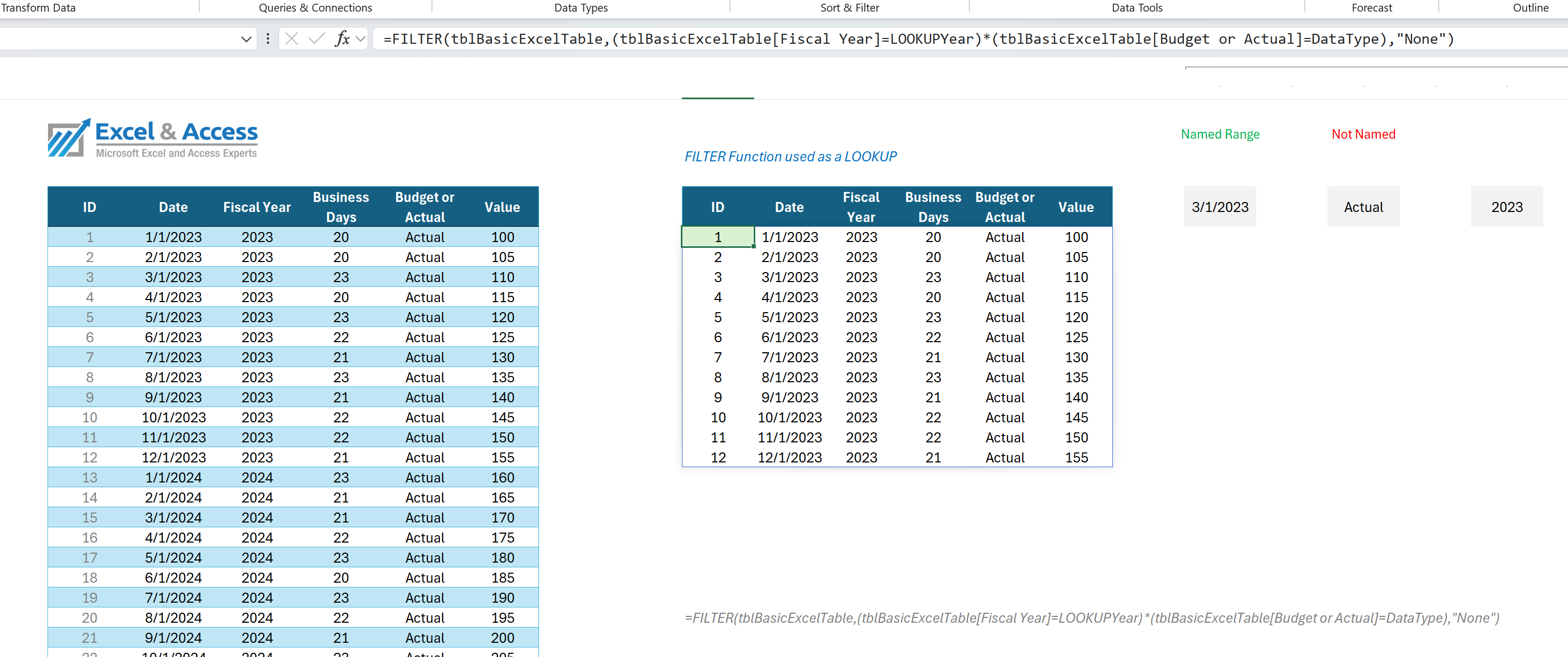 The Microsoft Excel FILTER FunctionSeptember 9th, 2024
 -
 Power Query Case StudySeptember 2nd, 2024
 -
 Excel Lookup Functions Versus JoinsSeptember 1st, 2024
 -
 Onsheet versus Offsheet Excel ProgrammingAugust 24th, 2024
 -
 Automated Excel Solutions for BusinessMay 10th, 2024
 -
Excel Development Step by StepMay 1st, 2024
-
How to Program Excel Dynamic Array FunctionsApril 7th, 2024
-
Mentoring Modern Excel DevelopmentMarch 22nd, 2024
-
 Excel Consultants Leverage Power QueryMarch 6th, 2024
 -
 Excel Modeling in 2024February 13th, 2024
 -
 Excel Tables versus Access DatabaseFebruary 8th, 2024
 -
 Dynamic Excel Changes in 2023December 20th, 2023
 -
Effectively using Named Ranges in Excel ProgrammingJuly 19th, 2023
-
Excel Dynamic Array Functions for Dashboard ReportingJuly 7th, 2023
-
Remote One-On-One Microsoft Excel TrainingJune 22nd, 2023
-
 Intermediate One-On-One Excel TrainingJune 15th, 2023
 -
Beginner One-On-One Excel TrainingJune 9th, 2023
-
Dynamic Array Functions Simplify Excel ProgrammingJune 2nd, 2023
-
 Xlookup Built-In Offset Functions use with Messy PDF DataMay 18th, 2023
 -
5 Ways to Remove Duplicates in ExcelMay 11th, 2023
- No comments have been published yet.
Leave a Reply