Blog

>Blog

Dynamic Excel 365 Tracker Templates for Business

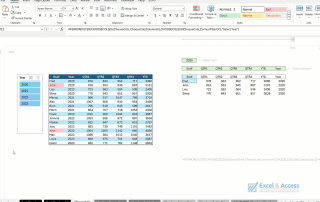
Dynamic Excel 365 Tracker Templates for Business ~ FLUID Excel Solutions for Business ~ If you run a business, you know there are certain data points you need to track to run your business properly.  You may want to track sales, new hires, and even inventory.  Anything that you want to track, should be built [...]
Using Excel 365 DAF with Tables

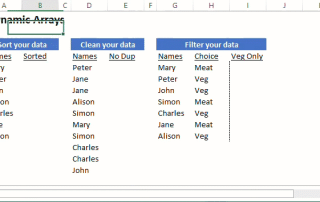
Microsoft Excel 365 Dynamic Array Functions to use w/ Excel Tables ~ Filter ~ Unique ~ ChooseCols ~ Take ~ GroupBy ~ PivotBy ~   Use Excel DAFs to Select Data from an Excel Table If you want to extract data from an Excel Table, these Dynamic Array Functions are the ones to look at.  [...]

Easily Comparing External Records with Power Query

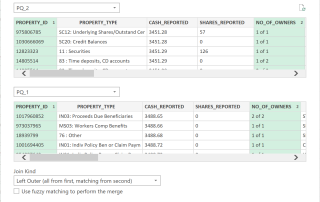
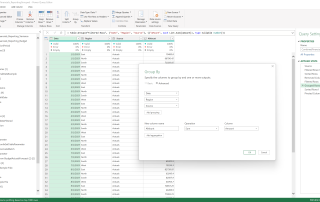
  Easily Comparing External Records with Power Query Easily Comparing External Records with Power Query is what this post is all about, and lately, it is what Excel is all about.  Power Query simplifies Excel programming, and Power Query makes comparing records form different data sources a snap. ~ Use Joins Instead of Lookups ~ [...]

Dynamic Sorting Excel 365

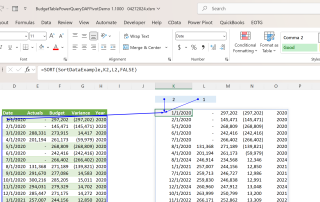
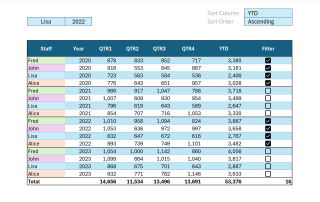
Dynamic Sorting Excel 365 Sorting as you know it changed in 2018, with the introduction of two new Excel 365 Sort Functions, SORT and SORTBY.  Both are Dynamic Array Functions (DAFs).  Dynamic sorting in Excel 365 will change how you program Microsoft Excel. In this post we will show you several ways to sort in [...]

Integrating Microsoft Excel with QuickBooks

Integrating & Automating Microsoft Excel with QuickBooks/Sage At Excel and Access, LLC one of the many solutions we provide to businesses is the integration and automation of Excel with QuickBooks.   Within Excel, we can directly access the Tables inside of QuickBooks.  With that, the user can Query, Edit/Revise, Delete, and Submit new records to QuickBooks.  [...]

Excel PivotBy Function versus Pivot Tables

Excel 365 PivotBy Function vs Excel Pivot Tables The Microsoft Excel PivotBy Function will change how you program Microsoft Excel.  The Excel 365 PivotBy Function is a game changer.    I seem to be saying this every year, for the past 3 years, so many changes to Microsoft Excel.   In this post, we will look [...]

Excel GroupBy Function for Interactive Reporting

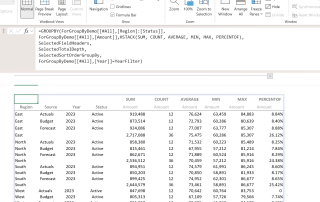
Excel GroupBy Function for Interactive Reporting Interactive, Dynamic, and Automated, the new Excel GroupBy Function is going to be front and center in Excel reporting and analysis for years to come.  A nice addition to custom Excel Dashboards.  With so many user-selected options, this function is designed to be interactive. 877-392-3539 Our Excel [...]

Effectively Using Excel 365 Tables

Effectively Using Excel 365 Tables   It has been estimated that fewer than 5% of Excel users work with Excel 365 Tables, as part of their custom Excel business solutions.  That said, the number of people currently using Excel Tables has never been greater, and it is picking up momentum by the day.   As such, [...]

The Microsoft Excel FILTER Function

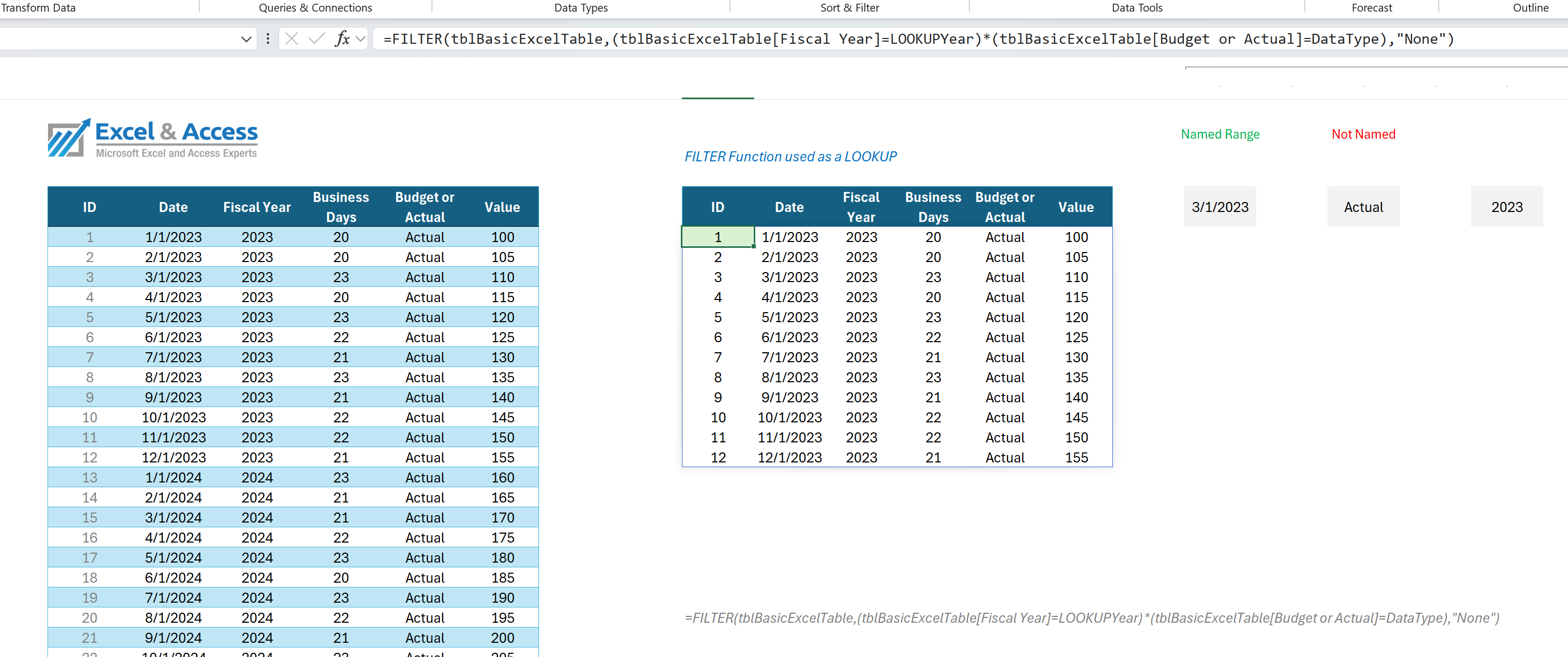
The Microsoft Excel FILTER Function is my FAVORITE Excel 365 Function The Excel 365 FILTER Function is the one Excel Function I could not Program Without I base much of my user interface on the use of the FILTER Function. The function allows the user to drive the Excel solution. With the FILTER Function, you [...]

Power Query Case Study

Case Study:  How Power Query is Used in Business Finance Case Study on How Power Query is Used in Business Finance is important for Business, covers how Power Query can help you to automate your solutions.   One of the most used and respected tools used by leading Excel experts is Power Query   Finance uses [...]