


QuickBooks/Sage Programming Services for Business
Integrating Microsoft Excel w/ QuickBooks
If you 1) run a business, and 2) if you use QuickBooks or Sage, as your accounting application, and 3) you use Excel 365 as your reporting application, then this page is for you.
We offer QuickBooks integration services for business, government, education, and individuals. We will automate and integrate QuickBooks with Microsoft Excel 365 w/ Power Query.
We provide “read-write” access to the QuickBooks data Tables directly. Integrating Microsoft Excel 365 with QuickBooks is how business is done.
Integrating & Automating Microsoft Excel 365 w/ QuickBooks for Business
Businesses need to be automated. They should be efficient. Unfortunately, they are not. Many companies print out spreadsheet data, just to then manually type it into QuickBooks. Stop that!
QuickBooks Integration Services for any Organization
Many clients download reports form QuickBooks, to use in Microsoft Excel. They are not always clean nor easy to use, as they are a report, not a Table.
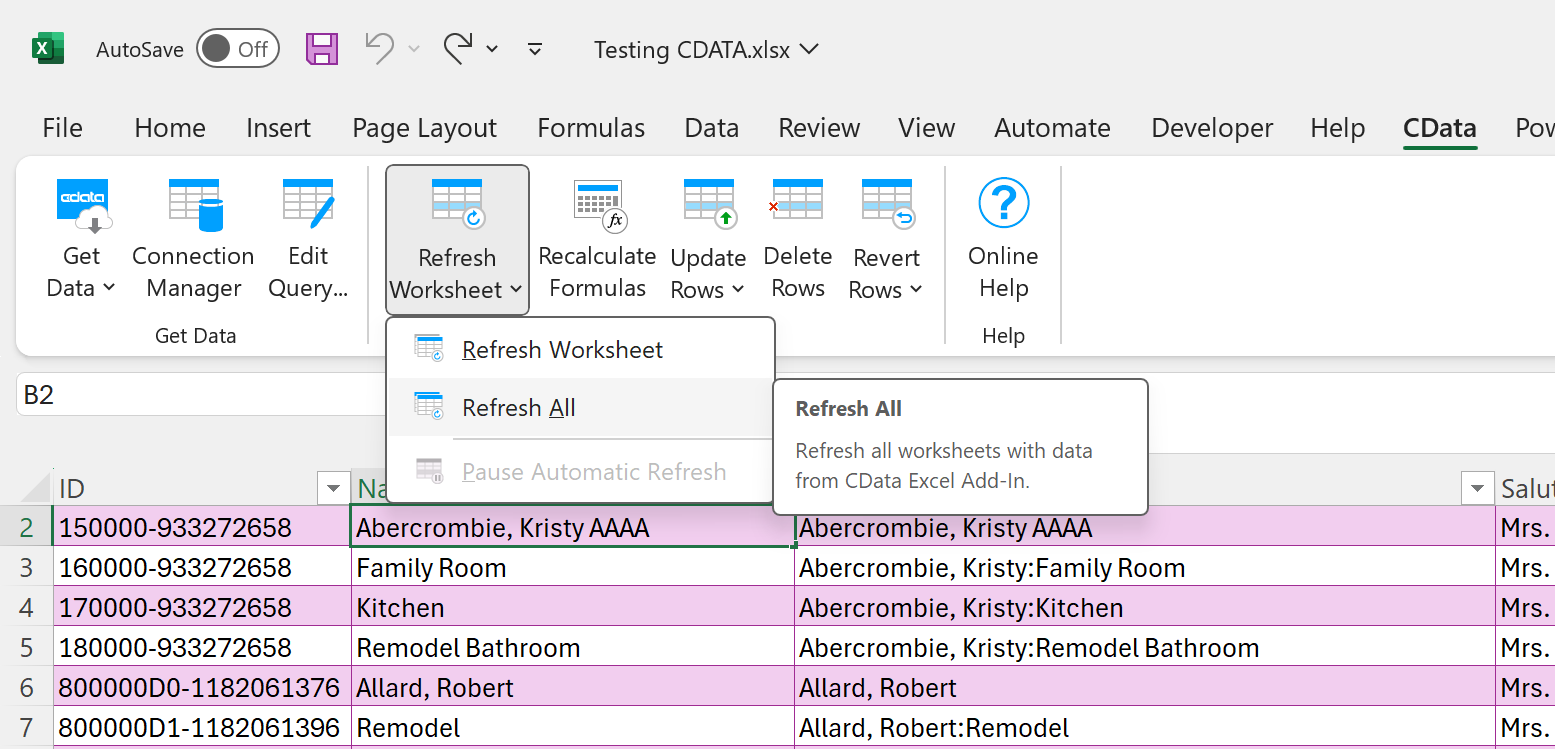
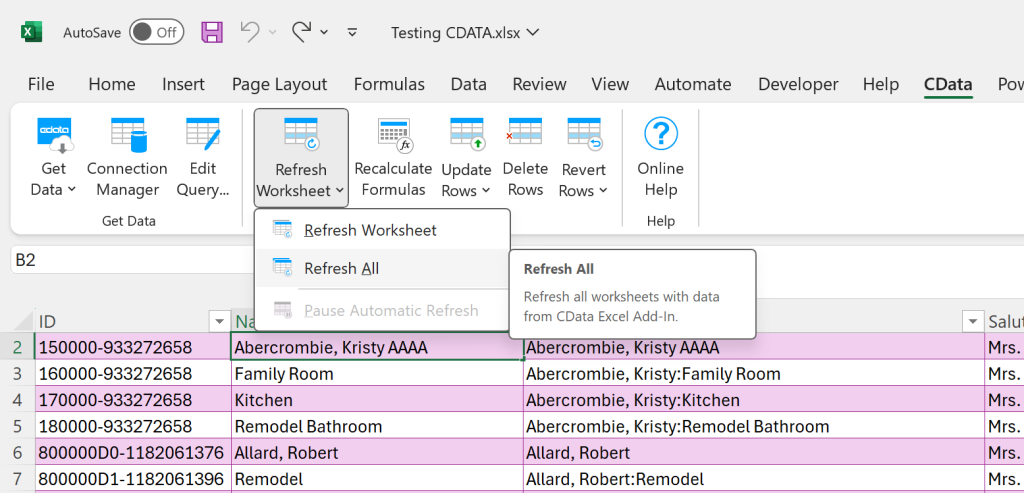
That said, at Excel and Access, LLC we are able to directly read and write to any and all Tables and Queries inside QuickBooks, via Microsoft Excel. A simple add-in does the trick. The rest is just straight-out top notch Excel programming, leveraging the power of Power Query.
Integrating Microsoft Excel 365 with QuickBooks Demo
In the demo below, you will see us make changes in Microsoft Excel, and then you will see those changes being applied to QuickBooks, all from within Microsoft Excel. Full read-write, multi-user environment.

Concurrent users, fully integrated with QuickBooks or Sage.
This is a Cloud-Based Solution
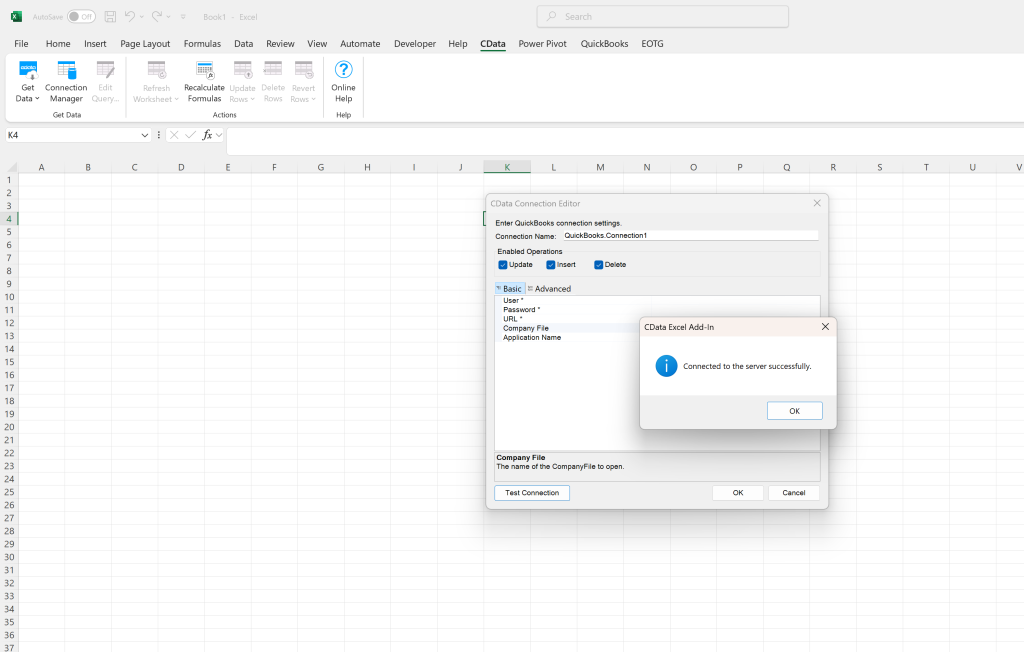
See the image below: The CDATA app makes this so easy to do, I am still amazed. An intuitive, easy to use system. I am impressed!

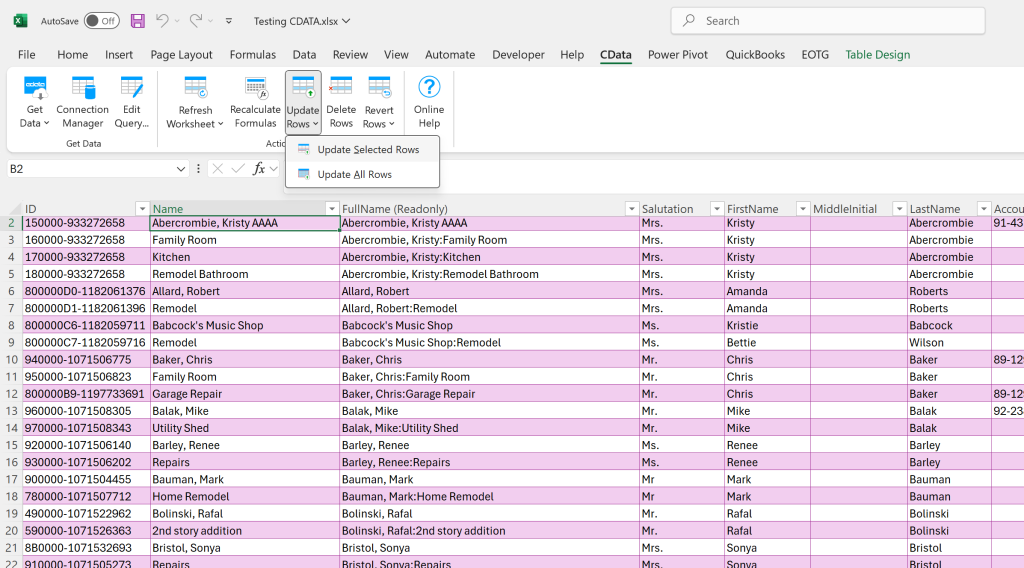
You can create your own QuickBooks Table, right here, in Excel. And you can write your own Query. If you like, you can Filter, Sort, etc., all in the Excel user interface.
The data in the Table is live, it goes both ways.
An Excel Add-In that leverages Power Query.
Reminds one of Power Query.
Closing: You will want to Integrate Microsoft Excel 365 with QuickBooks
Once setup, it is easy to use, and there is so much you can do with it. Look at the video above, does that not look easy?
Each time you use it, you will save a lot of time. No longer manually downloading QuickBooks reports, and then importing them into Excel, etc. This is integration and automation at its finest.
Let us know if you need help integrating and automating Microsoft Excel with QuickBooks.
877-392-3539
Free consultants, please call today.
